Free, Pro and where to get it
Quick ML: machine learning on your iPhone and iPad
2 min read
Published Sep 6 2026
Guide Sections
Guide Comments
Quick ML is free to download, and the free version is a working app rather than a trial. Quick ML Pro is a single purchase inside the app that unlocks the rest. There is no subscription, no account, and no free-trial timer counting down.
What the free version includes
- Importing files of any size: CSV, TSV, Excel, parquet, Word, PDF, JSON, XML and ZIP, plus folders of images.
- The sample data, and combining two projects on a key.
- Every cleaning tool: the health check, the four tidies, filters, find and replace, sampling, row editing, and every calculated column except meaning columns.
- Every column statistic and chart, the correlation matrix, pair plots, statistical tests, word clouds and the anonymisation scan.
- The classic algorithm for each task: linear regression, logistic regression, k-means and the image classifier.
- Every evaluation metric and chart, the prediction form, batch prediction and held-out test scoring.
- The PDF report, the cleaned CSV export, reading the full Python notebook on screen, and syncing between your own devices.
- Three projects at a time, and AI columns at 500 rows per sitting.
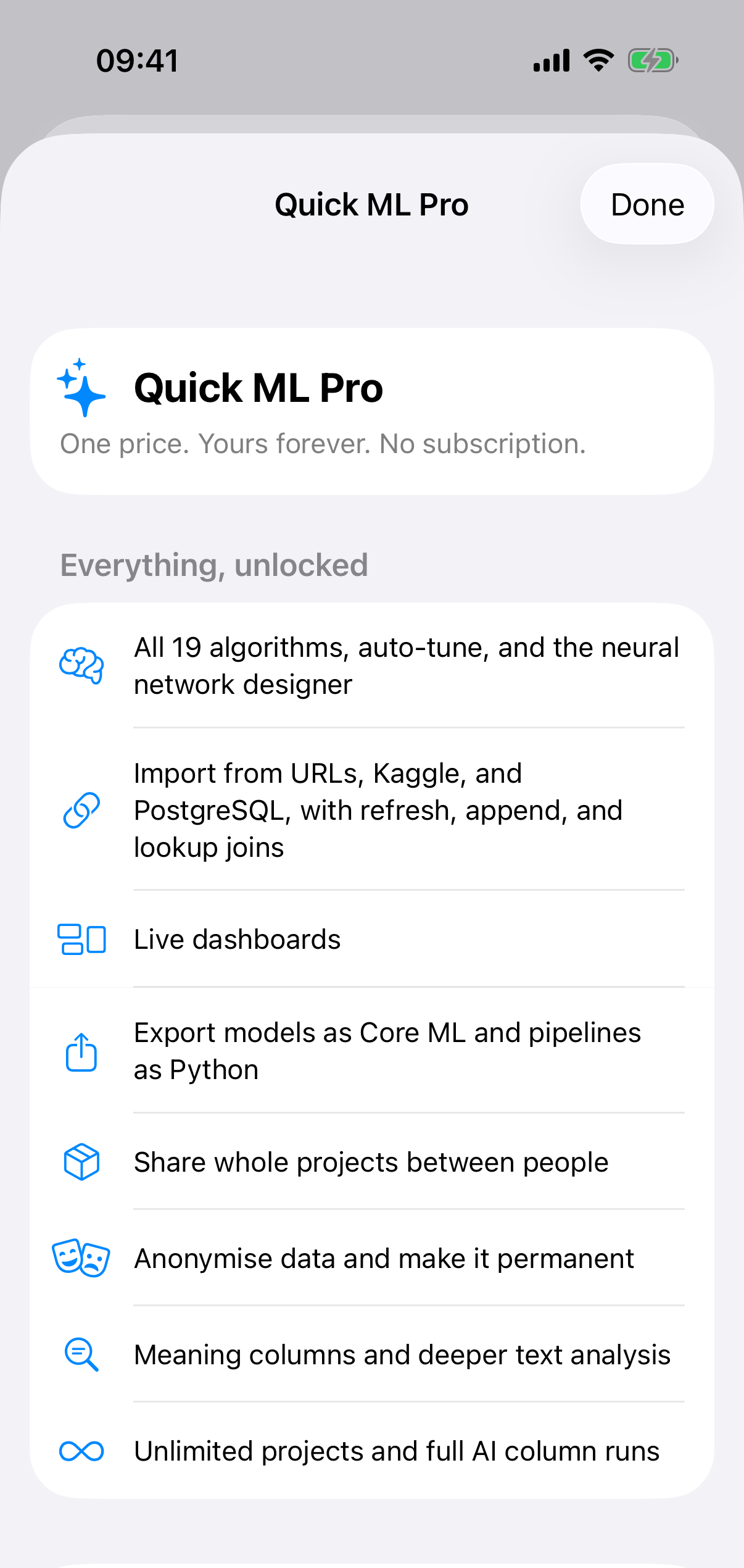
The Quick ML Pro sheet.
What Pro adds
- All nineteen algorithms, Auto-Tune and the neural network designer.
- Import from web pages, APIs, GraphQL, Kaggle and PostgreSQL, with refresh, append and lookup joins.
- Dashboards, and comparing models.
- Core ML export and taking the Python notebook or script with you.
- Sharing whole projects with other people.
- Applying anonymisation and making it permanent, meaning columns, and the group comparison in text insights.
- Unlimited projects, and AI columns at 20,000 rows per sitting.
The price shows in the app in your own currency. Anyone who bought Quick ML back when it was a paid app has Pro already, and Restore Purchases in Settings brings it back if it ever fails to show.


Help inside the app
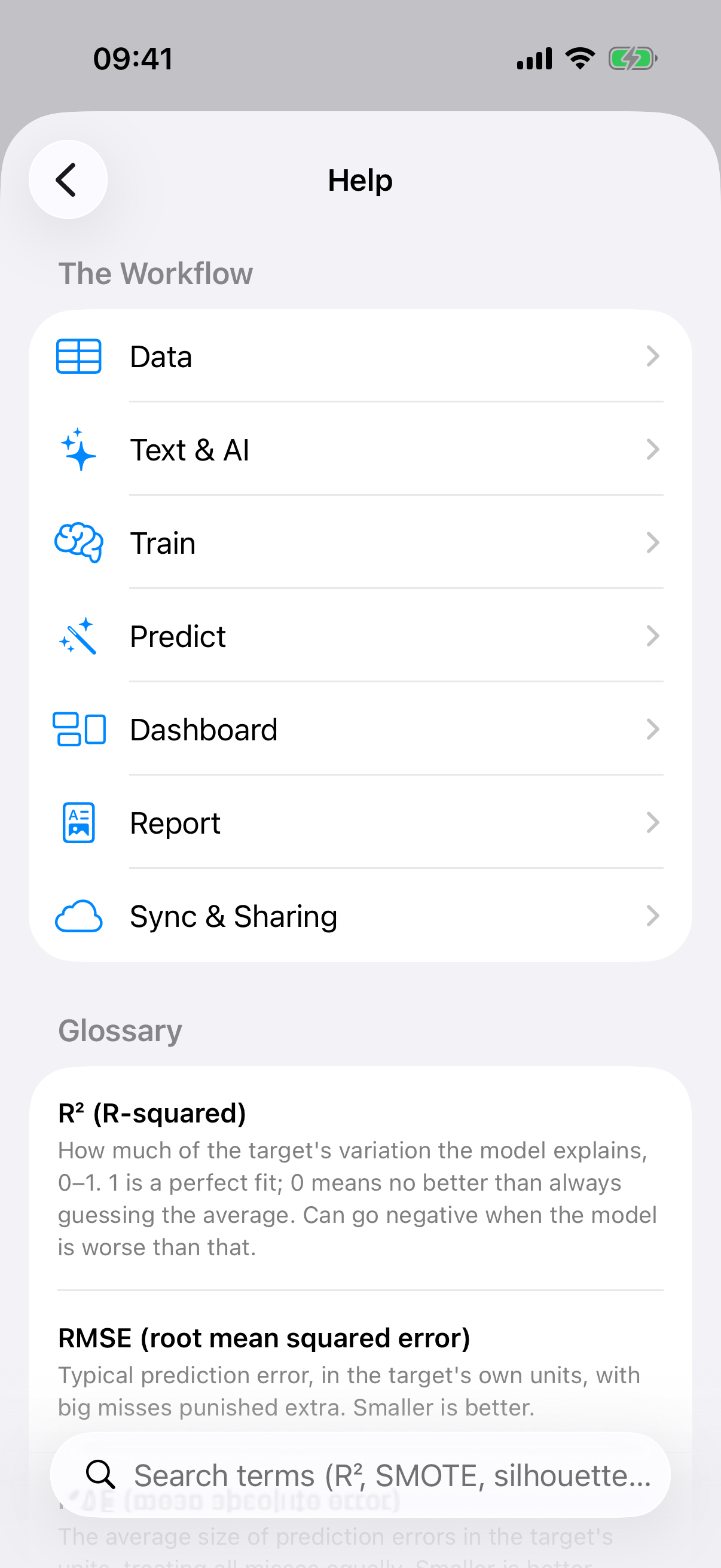
Help & Glossary.
Settings has a Help & Glossary screen with a guide for each stage and plain English definitions of every statistical term the app uses. If something goes wrong or you want something added, Report a Bug and Request a Feature in the same place open an email to me with the app version and device details already filled in. I read all of them, and a fair number of the features in this guide started as one.
Thank you for reading this far. Go and train something.