Joint plot
Seaborn basics
2 min read
This section is 2 min read, full guide is 42 min read
Published Oct 7 2025, updated Aug 17 2026
24
Show sections list
0
Log in to enable the "Like" button
0
Guide comments
0
Log in to enable the "Save" button
Respond to this guide
Guide Sections
Guide Comments
ChartsGraphsMatplotlibNumPyPandasPythonSeabornVisualisation
seaborn.jointplot() visualises the relationship between two variables along with their marginal distributions.
It combines:
- Scatterplot / Hexbin / KDE / Regression in the centre, and
- Histograms or density plots on the top and right axes (marginals).
It’s figure-level, meaning it creates its own figure with multiple axes.
Syntax:
sns.jointplot( data=None, *, x=None, y=None, hue=None, kind="scatter", palette=None, height=6, ratio=5, marginal_ticks=False, joint_kws=None, marginal_kws=None, dropna=True, space=0.2, xlim=None, ylim=None, color=None, **kwargs)Parameters:
data= DataFrame containing the datax,y= Numeric variables for the joint plothue= Grouping variable to colour pointskind= Type of central plot: "scatter", "kde", "hist", "hex", "reg"palette= Colour palette for hueheight= Size (inches) of the joint plot (square)ratio= Size ratio of joint axes to marginal axesmarginal_ticks= Show tick marks on marginal plotsjoint_kws= Keyword arguments for the central plotmarginal_kws= Keyword arguments for the marginal plotsdropna= Drop missing valuesspace= Space between joint and marginal axesxlim,ylim= Limits for x and y axescolor= Colour of points or lines if hue is not used
Basic example
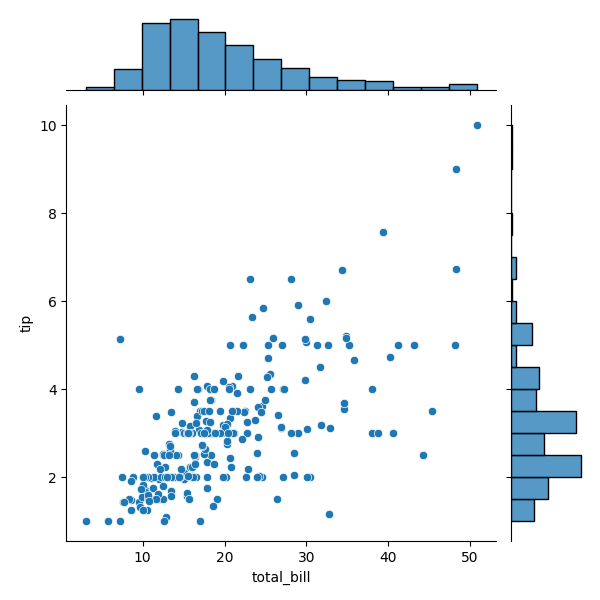
import seaborn as snsimport matplotlib.pyplot as plttips = sns.load_dataset("tips")sns.jointplot(data=tips, x="total_bill", y="tip")plt.show()Central scatterplot of total_bill vs tip, Marginal histograms show distributions of each variable
Central plot type 'reg'
import seaborn as snsimport matplotlib.pyplot as plttips = sns.load_dataset("tips")sns.jointplot(data=tips, x="total_bill", y="tip", kind="reg")plt.show()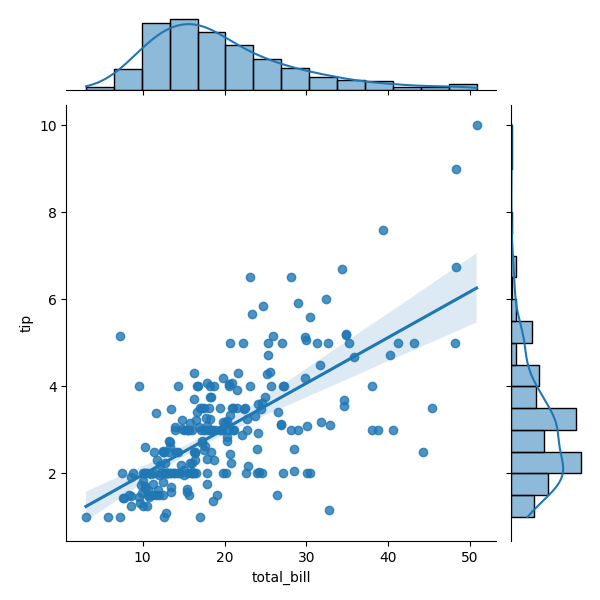
Central plot type 'kde'
import seaborn as snsimport matplotlib.pyplot as plttips = sns.load_dataset("tips")sns.jointplot(data=tips, x="total_bill", y="tip", kind="kde", fill=True)plt.show()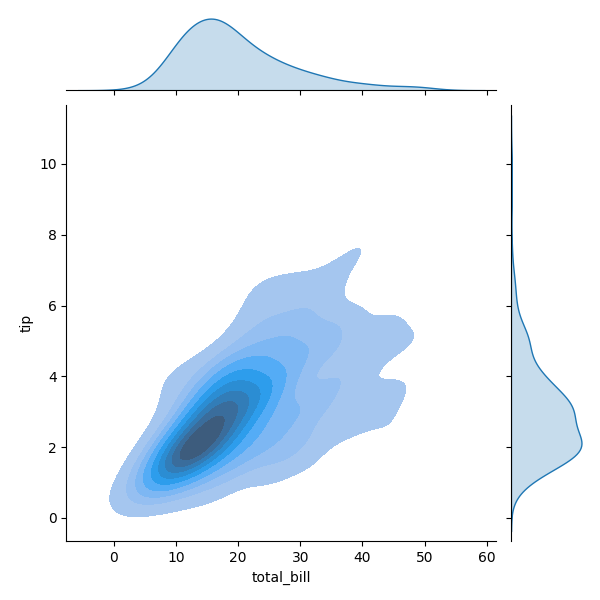
Central plot type 'hex'
import seaborn as snsimport matplotlib.pyplot as plttips = sns.load_dataset("tips")sns.jointplot(data=tips, x="total_bill", y="tip", kind="hex", gridsize=25)plt.show()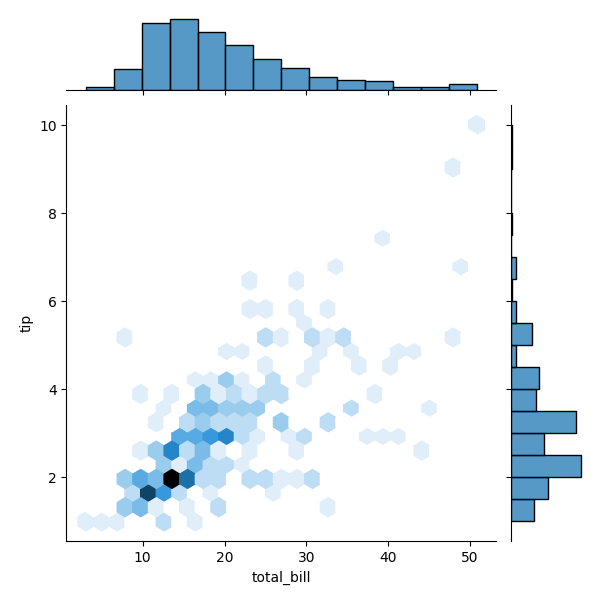
Central plot type 'hist'
import seaborn as snsimport matplotlib.pyplot as plttips = sns.load_dataset("tips")sns.jointplot(data=tips, x="total_bill", y="tip", kind="hist")plt.show()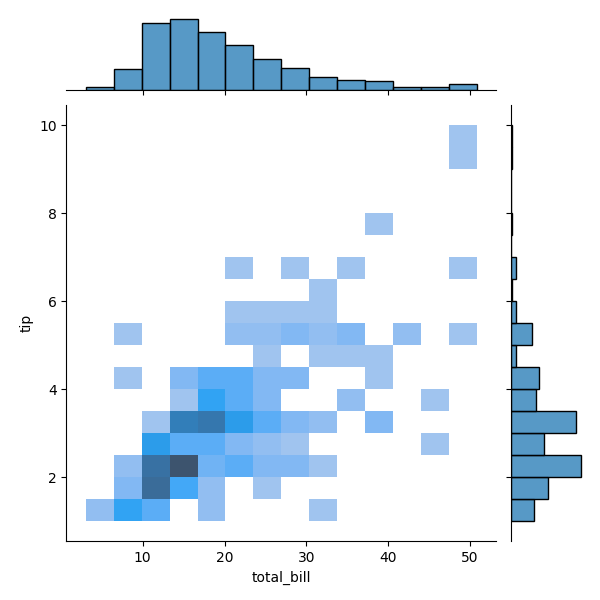
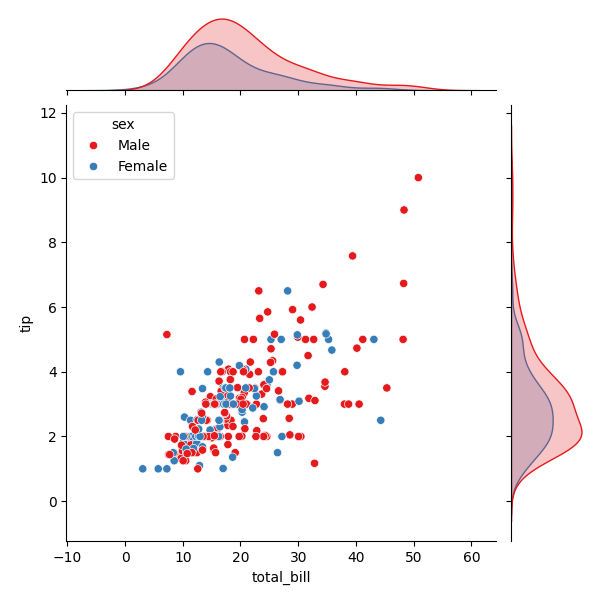
Add hue (categorical colouring)
import seaborn as snsimport matplotlib.pyplot as plttips = sns.load_dataset("tips")sns.jointplot(data=tips, x="total_bill", y="tip", hue="sex", kind="scatter", palette="Set1")plt.show()Colours points by category. Marginal distributions also coloured by hue.
Customise marginals
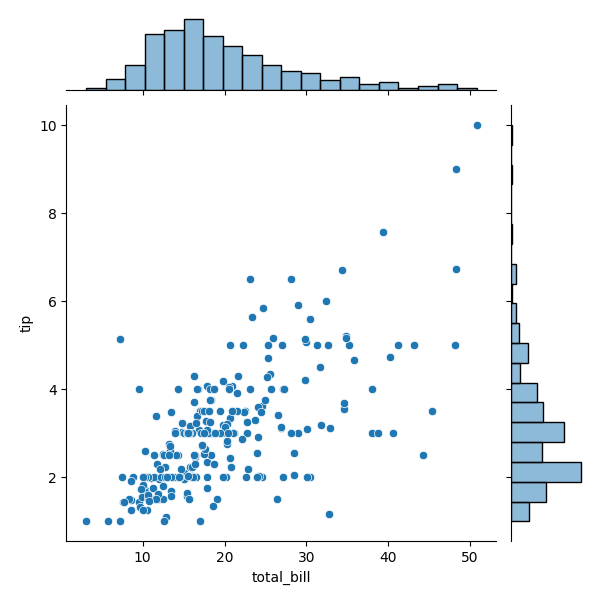
import seaborn as snsimport matplotlib.pyplot as plttips = sns.load_dataset("tips")sns.jointplot( data=tips, x="total_bill", y="tip", kind="scatter", marginal_kws=dict(bins=20, fill=True, alpha=0.5))plt.show()Adjust histogram bins, fill, transparency, etc.
Control central plot appearance
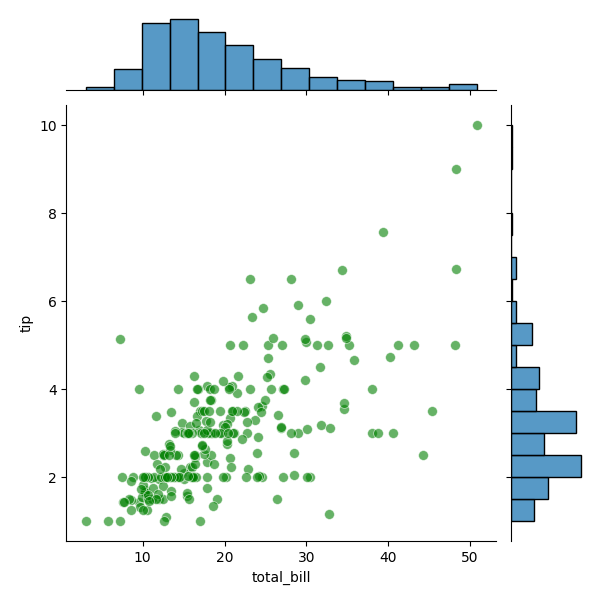
import seaborn as snsimport matplotlib.pyplot as plttips = sns.load_dataset("tips")sns.jointplot( data=tips, x="total_bill", y="tip", kind="scatter", joint_kws=dict(alpha=0.6, s=50, color="green"))plt.show()Change point size (s), transparency (alpha), and coluor.
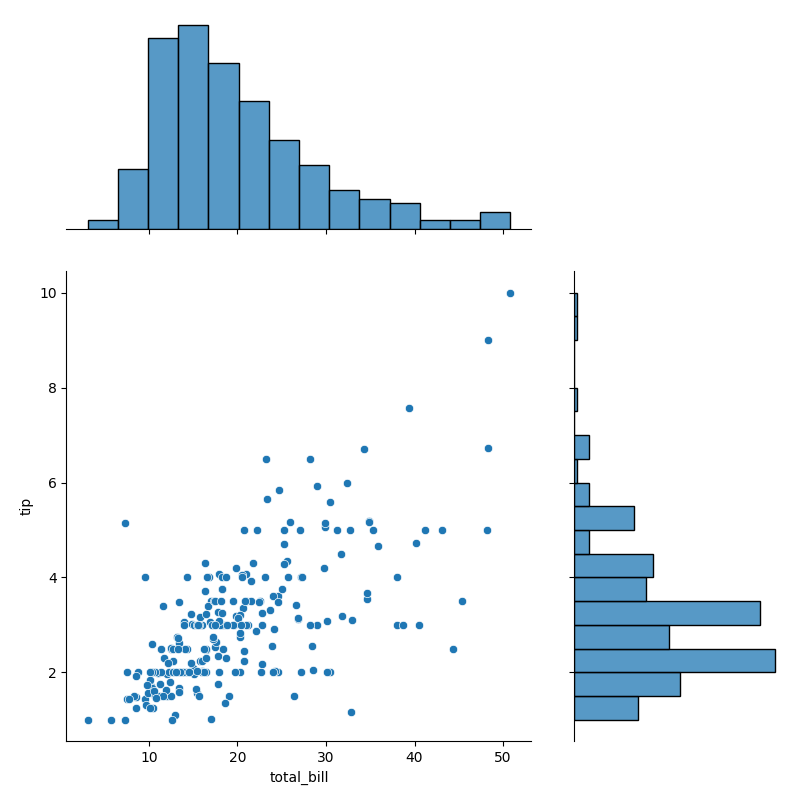
Adjust size and margins
import seaborn as snsimport matplotlib.pyplot as plttips = sns.load_dataset("tips")sns.jointplot(data=tips, x="total_bill", y="tip", height=8, ratio=2)plt.show()height → size of square joint plot, ratio → relative size of joint axes vs marginal axes