Pair plot
Seaborn basics
2 min read
Published Oct 7 2025, updated Aug 17 2026
Guide Sections
Guide Comments
seaborn.pairplot() creates a grid of scatterplots and histograms (or KDEs) for pairwise relationships between numeric variables in a dataset.
It’s one of Seaborn’s most powerful exploratory tools, showing how each variable:
- correlates with others (scatterplots), and
- distributes individually (histograms or density plots on the diagonal).
Syntax:
sns.pairplot( data, *, hue=None, vars=None, x_vars=None, y_vars=None, kind="scatter", diag_kind="auto", markers=None, palette=None, corner=False, plot_kws=None, diag_kws=None, grid_kws=None, height=2.5, aspect=1, dropna=True, context=None,)Parameters:
data= DataFrame with numeric columnshue= Variable to colour-code data points by categoryvars= List of variables to include (both x and y)x_vars,y_vars= Lists of variables for x and y axes (for asymmetric grids)kind= Plot type: "scatter" (default) or "kde"diag_kind= Plot type on the diagonal: "auto", "hist", or "kde"markers= Marker style for scatterplotspalette= Colour palette for hue categoriescorner= If True, show only the lower triangle of plotsplot_kws,diag_kws,grid_kws= Keyword arguments for customising subplotsheight= Height (in inches) of each subplotaspect= Aspect ratio of each subplotdropna= Whether to drop missing valuescontext= Set a plotting context (e.g., "talk", "notebook")
Basic example
import seaborn as snsimport matplotlib.pyplot as pltiris = sns.load_dataset("iris")sns.pairplot(iris)plt.show()Creates a scatterplot matrix for all numeric columns in iris. Diagonal = histograms of each variable. Off-diagonal = pairwise scatterplots.

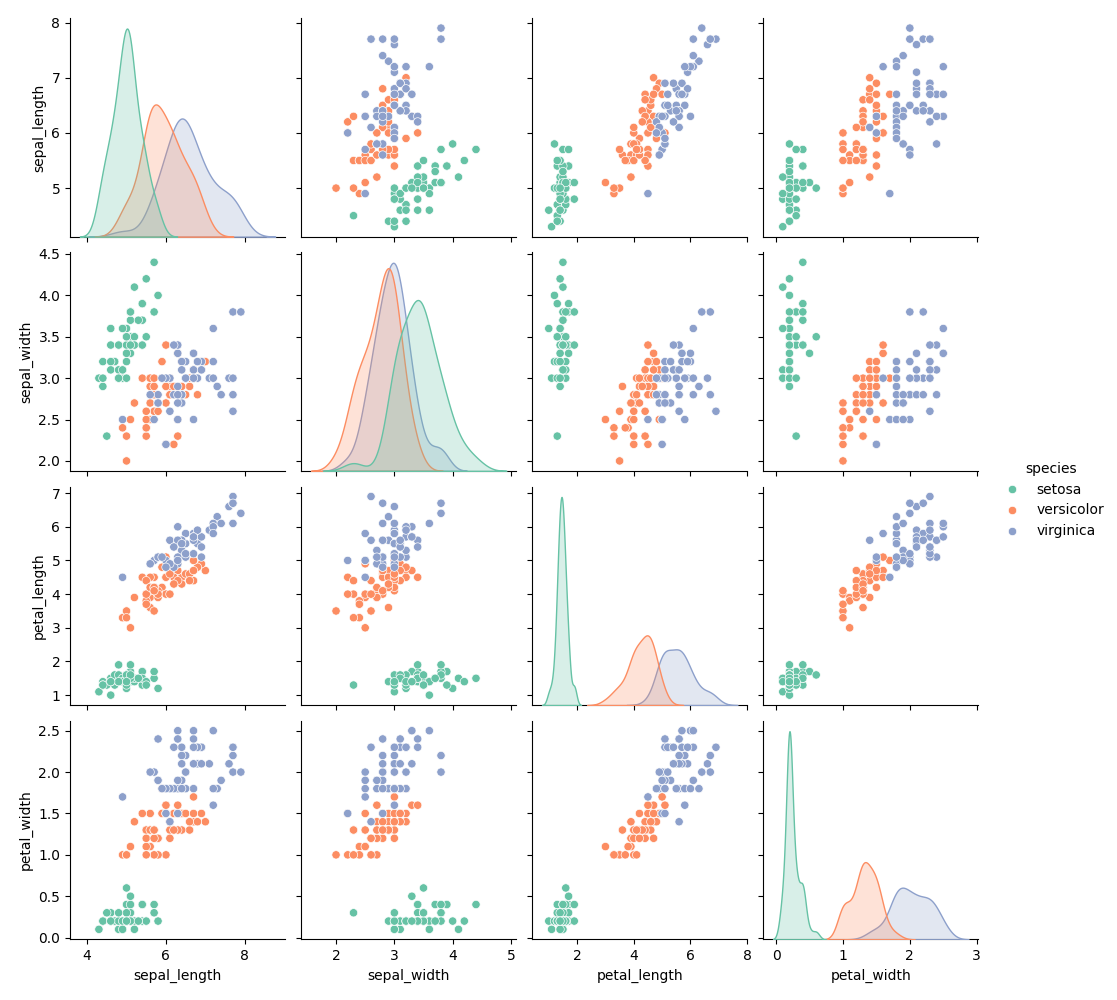
Add hue (colour by category)
import seaborn as snsimport matplotlib.pyplot as pltiris = sns.load_dataset("iris")sns.pairplot(iris, hue="species", palette="Set2")plt.show()Colours each species differently. Great for class separation or cluster analysis.
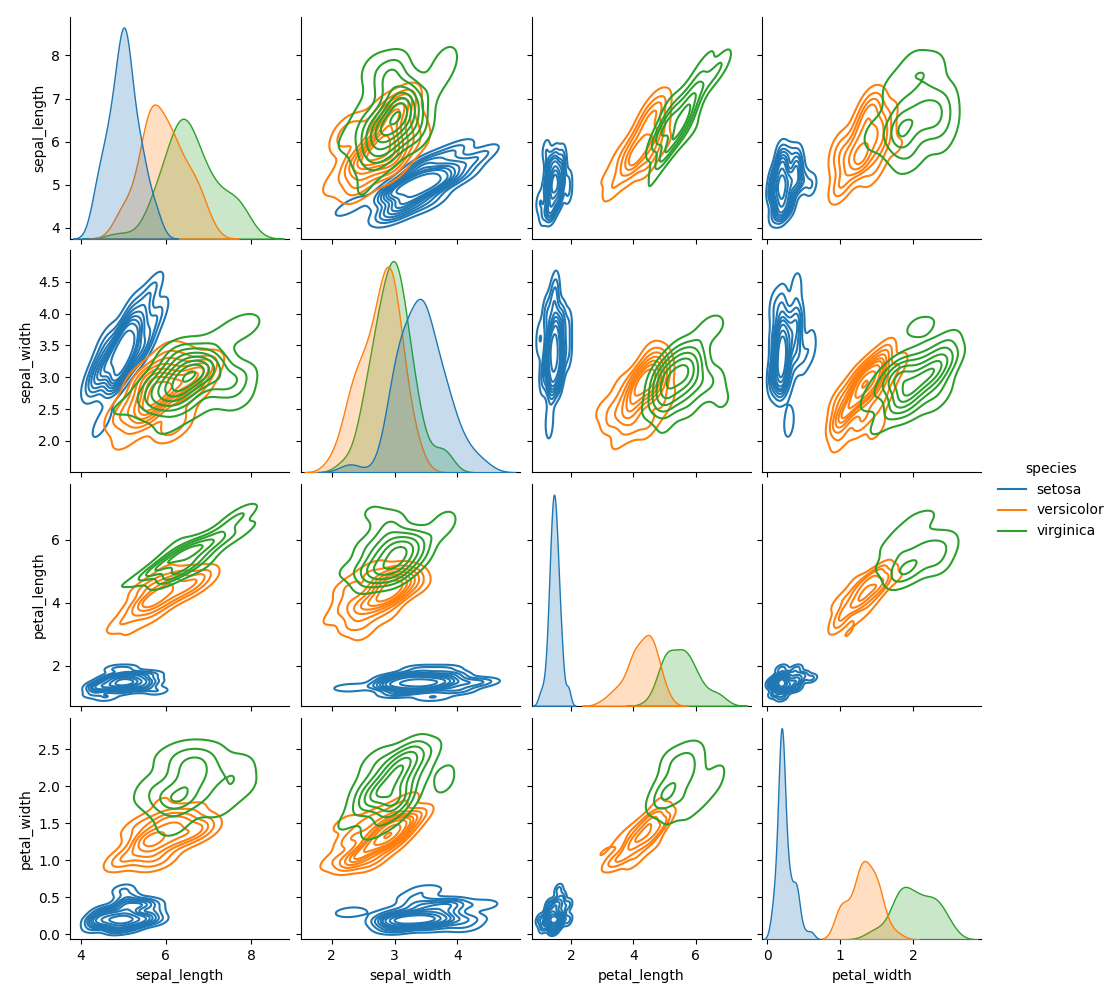
Use KDE instead of scatterplots
import seaborn as snsimport matplotlib.pyplot as pltiris = sns.load_dataset("iris")sns.pairplot(iris, hue="species", kind="kde")plt.show()Shows smooth density contours instead of discrete points. Great for large datasets or overlapping points.
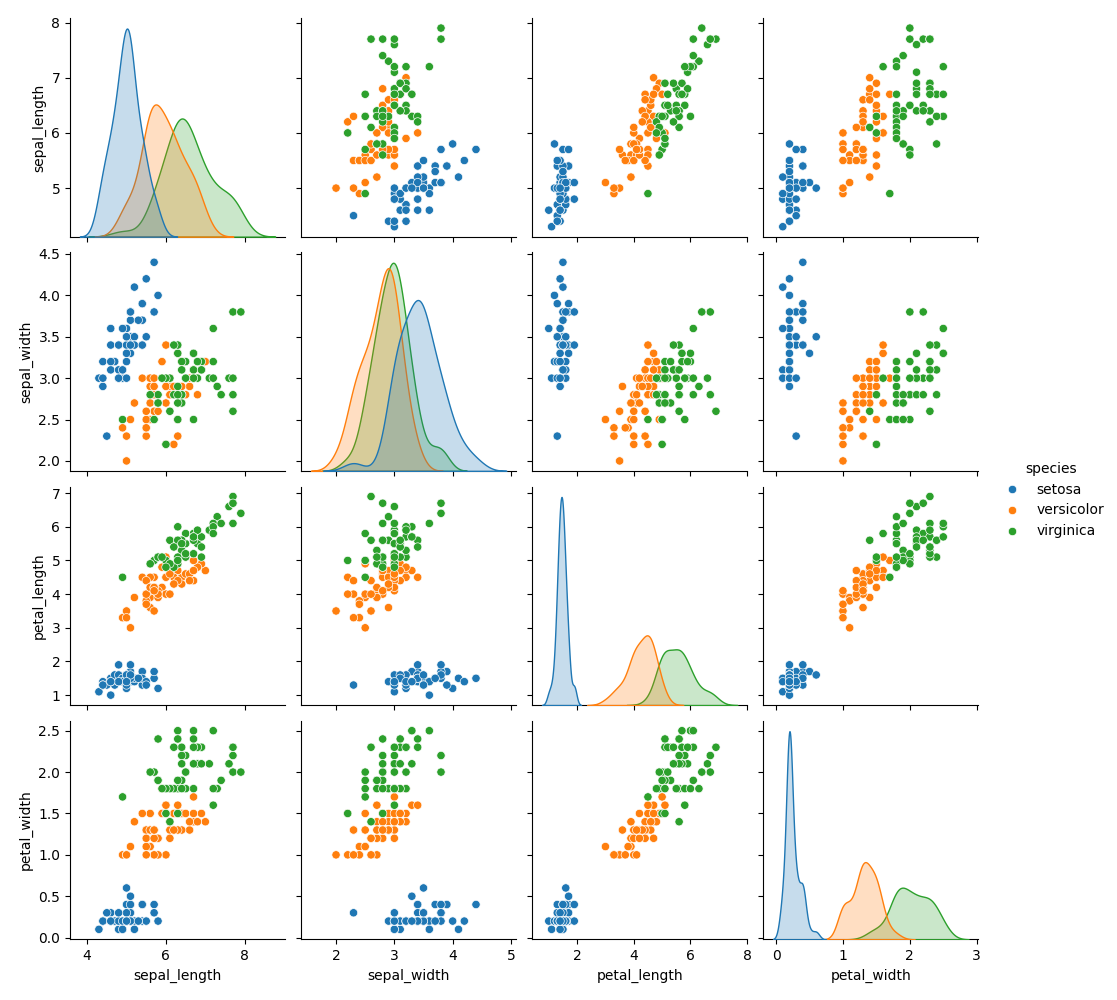
Change diagonal plot type
import seaborn as snsimport matplotlib.pyplot as pltiris = sns.load_dataset("iris")sns.pairplot(iris, hue="species", diag_kind="kde")plt.show()Replaces histograms on the diagonal with KDE (smoothed density) curves.
Select specific variables
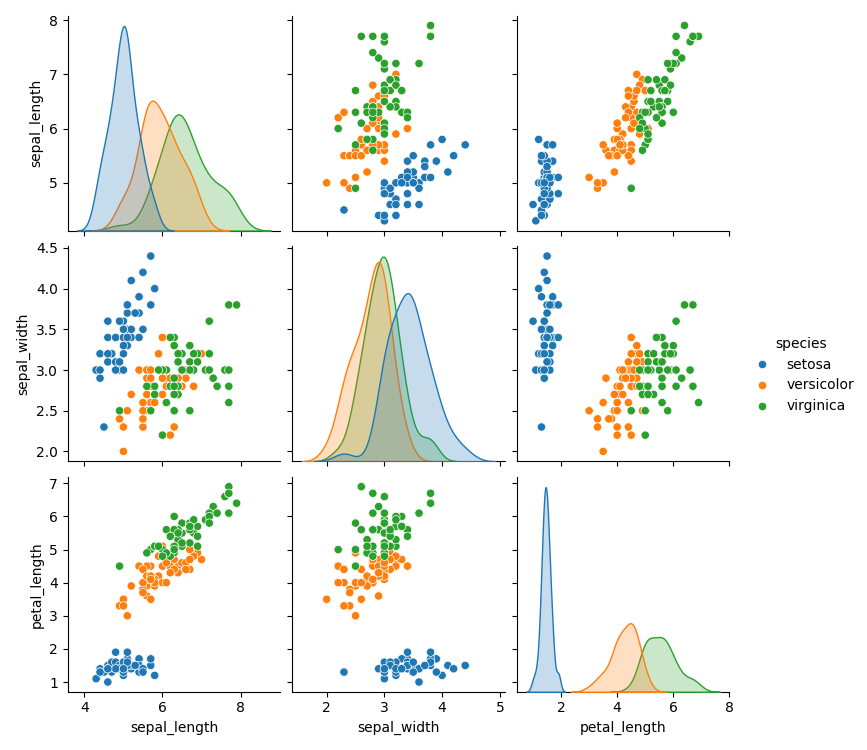
import seaborn as snsimport matplotlib.pyplot as pltiris = sns.load_dataset("iris")sns.pairplot(iris, vars=["sepal_length", "sepal_width", "petal_length"], hue="species")plt.show()Only plots relationships among selected columns. Useful for focusing on variables of interest.
Asymmetric grids (x_vars vs y_vars)
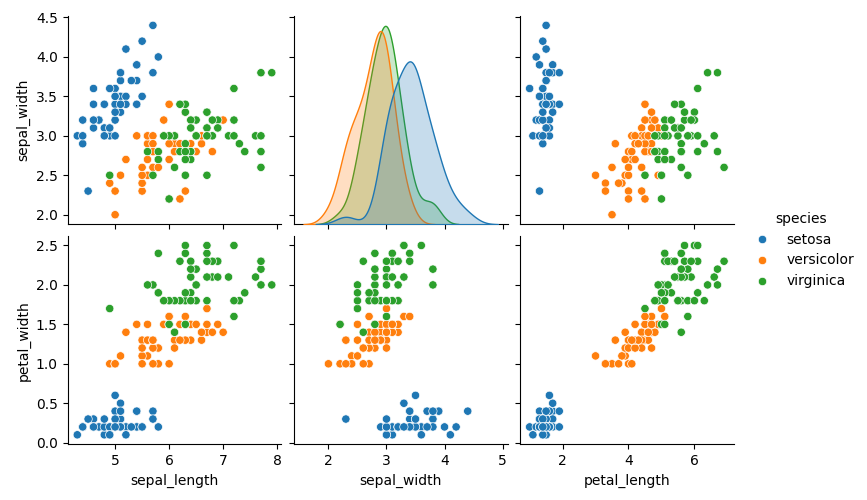
import seaborn as snsimport matplotlib.pyplot as pltiris = sns.load_dataset("iris")sns.pairplot( iris, x_vars=["sepal_length", "sepal_width", "petal_length"], y_vars=["sepal_width", "petal_width"], hue="species")plt.show()Creates a non-square grid — useful for comparing two sets of variables.
Show only lower triangle (corner)
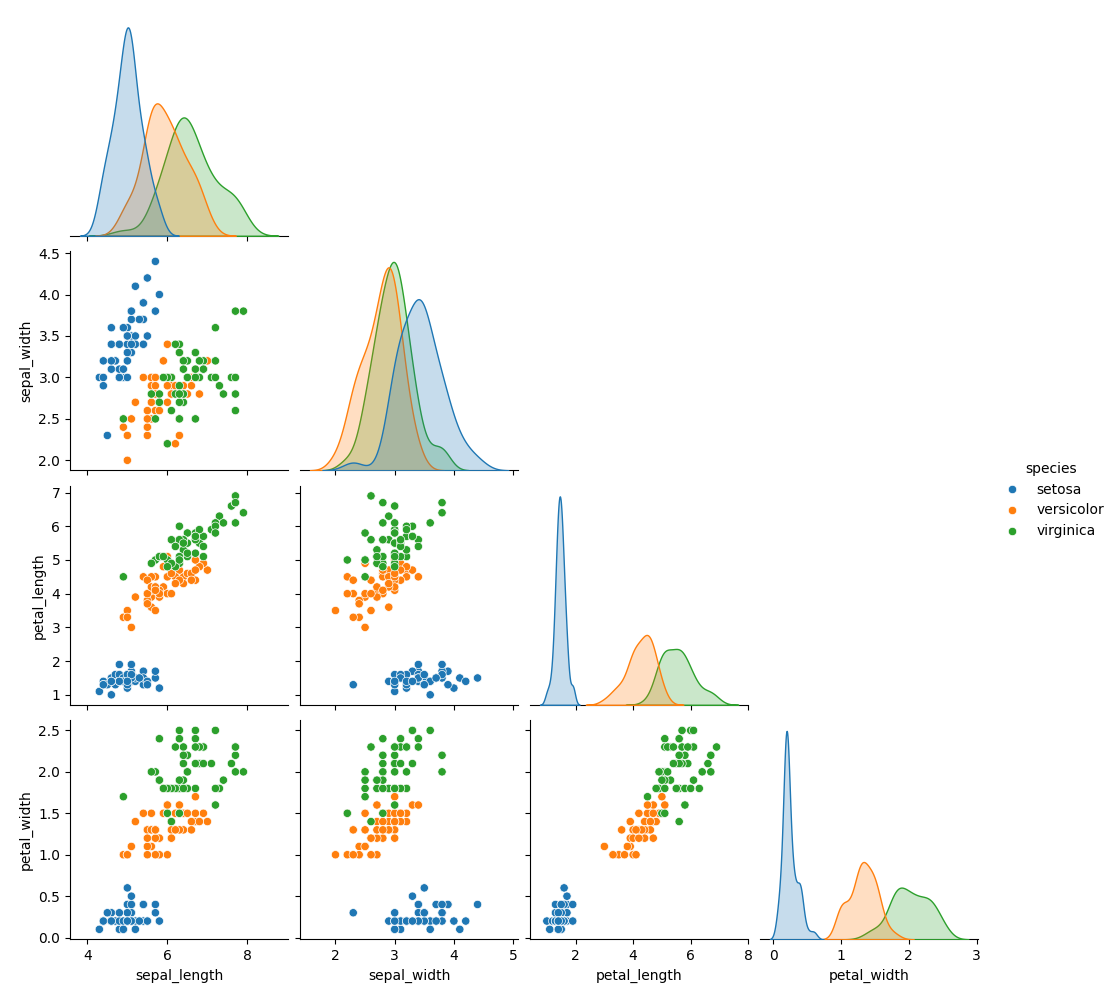
import seaborn as snsimport matplotlib.pyplot as pltiris = sns.load_dataset("iris")sns.pairplot(iris, hue="species", corner=True)plt.show()Hides the upper triangle, reducing redundancy. Common in publications for clarity.
Change marker style
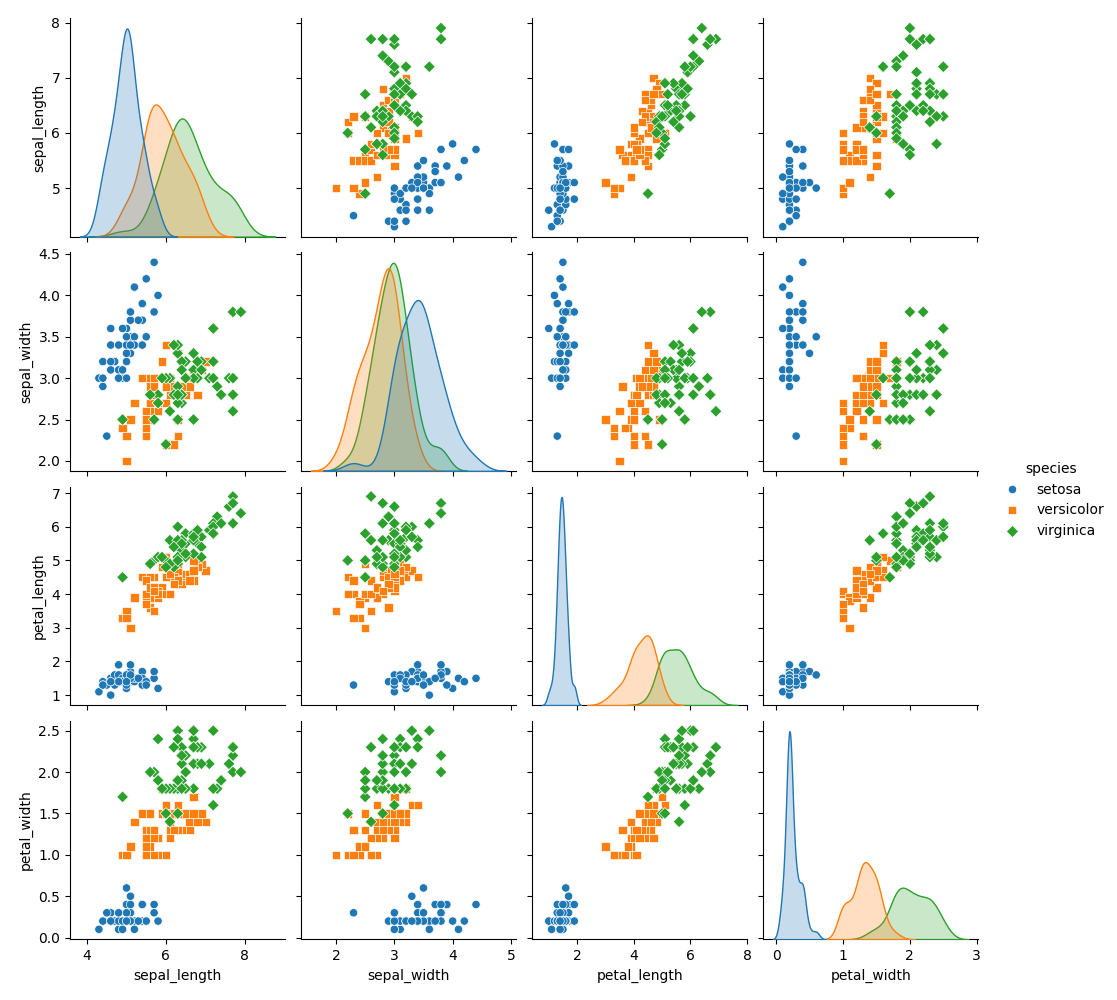
import seaborn as snsimport matplotlib.pyplot as pltiris = sns.load_dataset("iris")sns.pairplot(iris, hue="species", markers=["o", "s", "D"])plt.show()Uses different marker shapes for each category in hue.
Pass custom plotting options
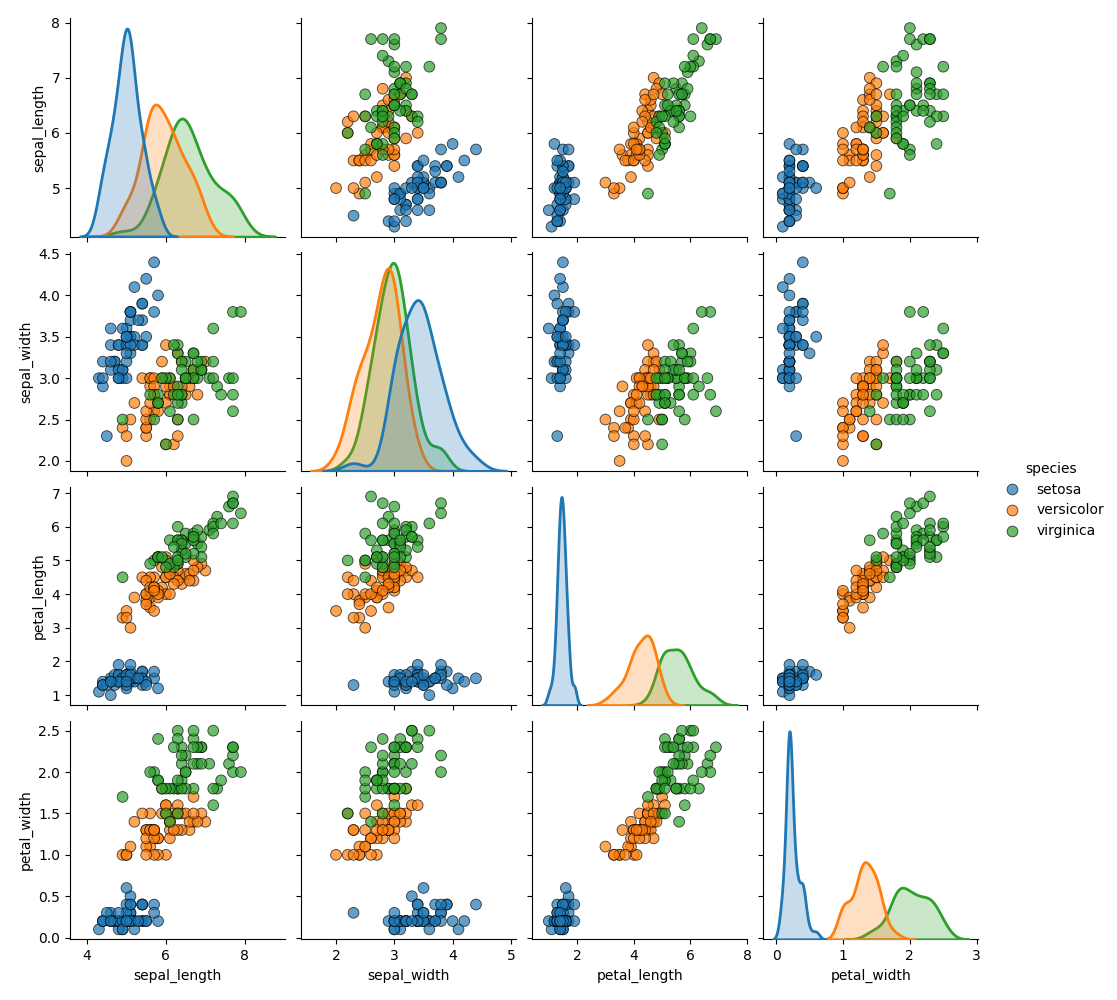
import seaborn as snsimport matplotlib.pyplot as pltiris = sns.load_dataset("iris")sns.pairplot( iris, hue="species", plot_kws={"alpha": 0.7, "s": 60, "edgecolor": "k"}, diag_kws={"fill": True, "linewidth": 2})plt.show()Adds transparency, size, and edges to scatter points. Smooths and thickens KDEs/histograms on the diagonal.
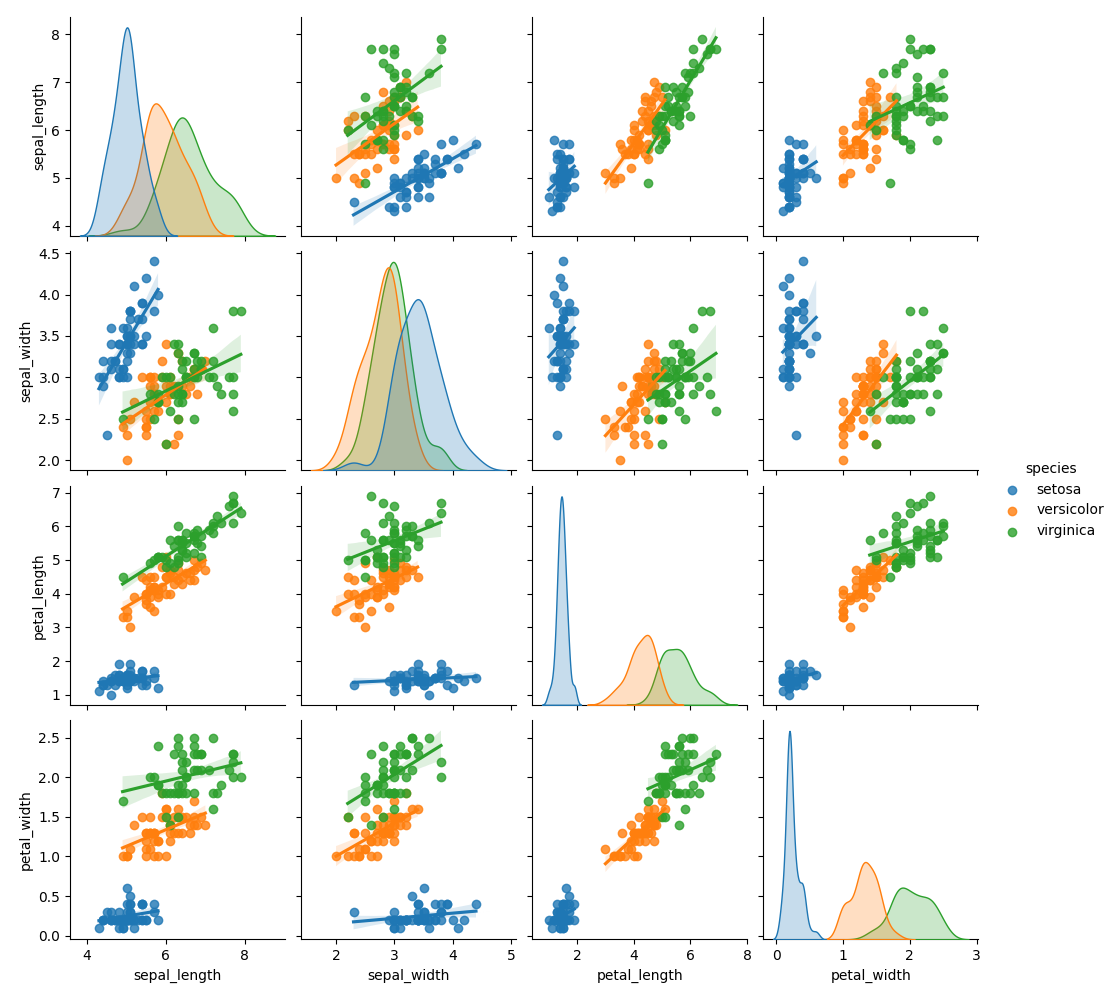
Pairplot with regression lines
import seaborn as snsimport matplotlib.pyplot as pltiris = sns.load_dataset("iris")sns.pairplot(iris, kind="reg", hue="species")plt.show()Adds linear regression lines in each scatterplot. Equivalent to calling sns.lmplot() for every pair.