Rug plot
Seaborn basics
2 min read
Published Oct 7 2025, updated Aug 17 2026
Guide Sections
Guide Comments
seaborn.rugplot() draws small tick marks (rugs) along an axis to represent individual data points.
Each tick represents one observation — giving a sense of the distribution of data along a single dimension.
It’s often used:
- On its own for simple data density visualisation, or
- As an addition to other plots (e.g.,
histplot(),kdeplot()) to show the actual observations behind a smooth curve.
Syntax:
sns.rugplot( data=None, *, x=None, y=None, hue=None, height=0.025, expand_margins=True, palette=None, linewidth=None, alpha=None, ax=None, **kwargs)Parameters:
data= DataFrame containing the datax,y= Variables to plot (usually one)hue= Adds subgroups (coloured rugs)height= Length of each rug line (fraction of axis)expand_margins= Expands axis limits to fit the rugspalette= Colour palette for hue groupslinewidth= Thickness of each rug tickalpha= Transparency (0–1)ax= Axis to plot on (if combining with other plots)
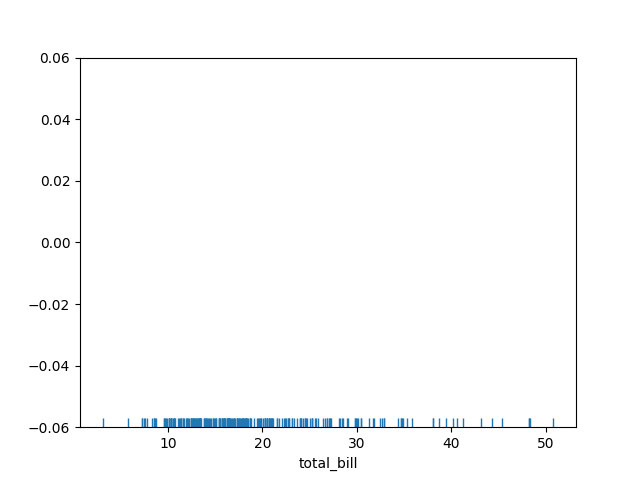
Basic example
import seaborn as snsimport matplotlib.pyplot as plttips = sns.load_dataset("tips")sns.rugplot(data=tips, x="total_bill")plt.show()Each small vertical tick represents one observation of total_bill. The density of ticks gives a quick sense of data concentration.
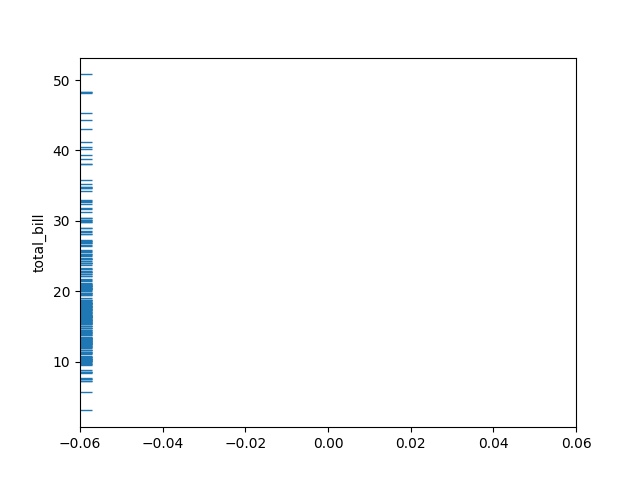
Horizontal orientation
import seaborn as snsimport matplotlib.pyplot as plttips = sns.load_dataset("tips")sns.rugplot(data=tips, y="total_bill")plt.show()Plots rug ticks along the y-axis instead of x.
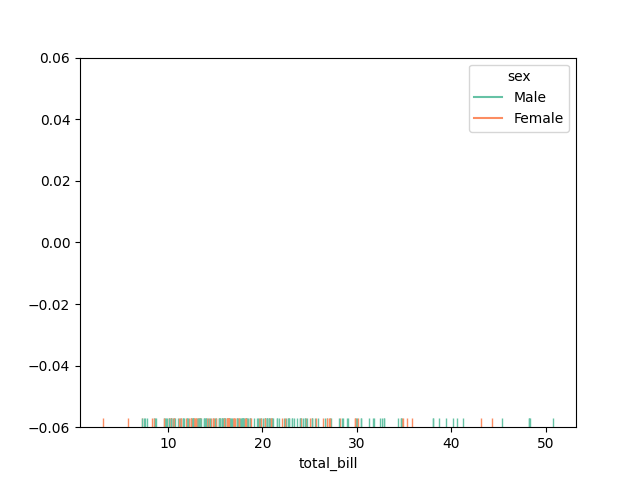
Add hue (subgroups)
import seaborn as snsimport matplotlib.pyplot as plttips = sns.load_dataset("tips")sns.rugplot(data=tips, x="total_bill", hue="sex", palette="Set2")plt.show()Different colours represent different categories (e.g., Male vs. Female). Overlapping colours show how groups overlap in data distribution.
Customize rug appearance
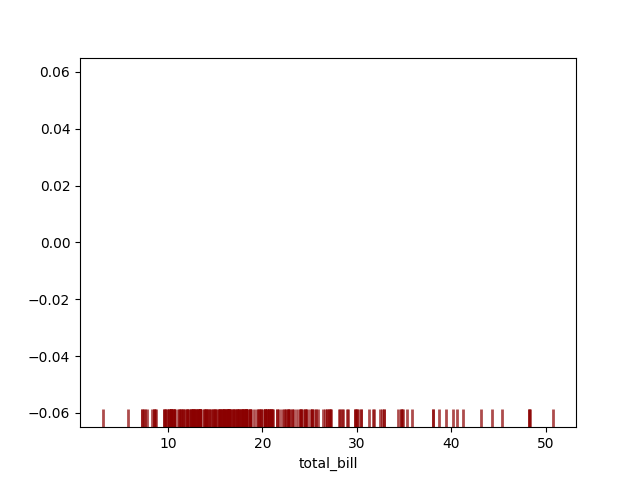
import seaborn as snsimport matplotlib.pyplot as plttips = sns.load_dataset("tips")sns.rugplot( data=tips, x="total_bill", height=0.05, linewidth=2, alpha=0.7, color="darkred")plt.show()Taller and thicker ticks make the rug more visible.
Overlay rug on other plots
On a Histogram:
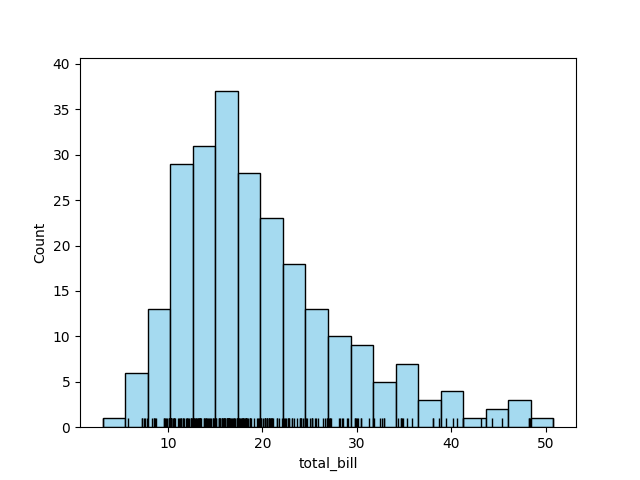
import seaborn as snsimport matplotlib.pyplot as plttips = sns.load_dataset("tips")sns.histplot(data=tips, x="total_bill", bins=20, color="skyblue")sns.rugplot(data=tips, x="total_bill", color="black")plt.show()The rugplot shows exact data points below the histogram bars.
On a KDE Plot:
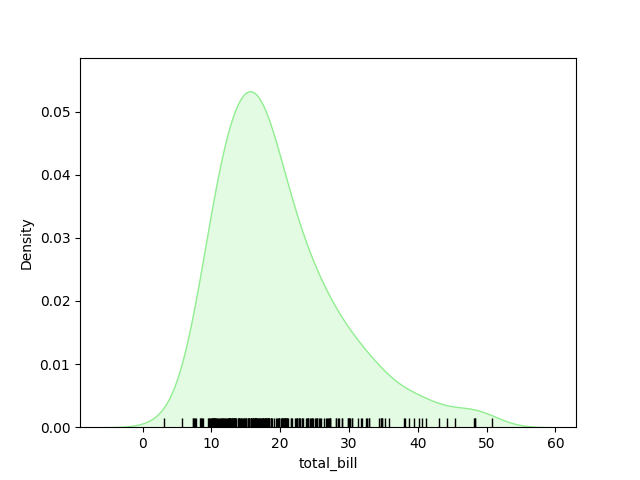
import seaborn as snsimport matplotlib.pyplot as plttips = sns.load_dataset("tips")sns.kdeplot(data=tips, x="total_bill", fill=True, color="lightgreen")sns.rugplot(data=tips, x="total_bill", color="black")plt.show()Combines smooth distribution (KDE) with exact data locations (rug).
Bivariate rugplot (x and y)
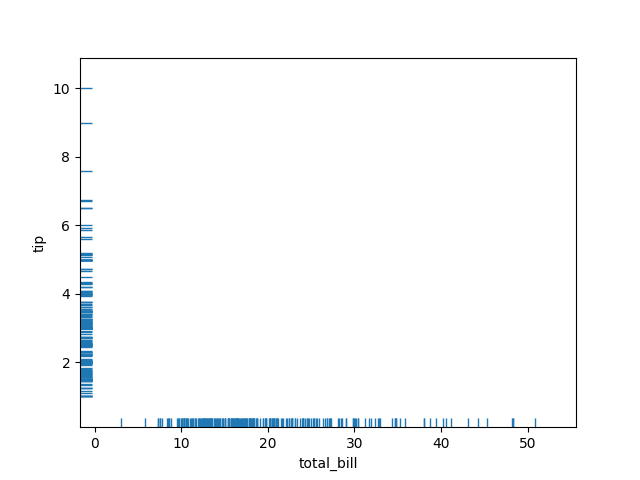
import seaborn as snsimport matplotlib.pyplot as plttips = sns.load_dataset("tips")sns.rugplot(data=tips, x="total_bill", y="tip")plt.show()Adds small ticks on both the x- and y-axes, showing marginal distributions.
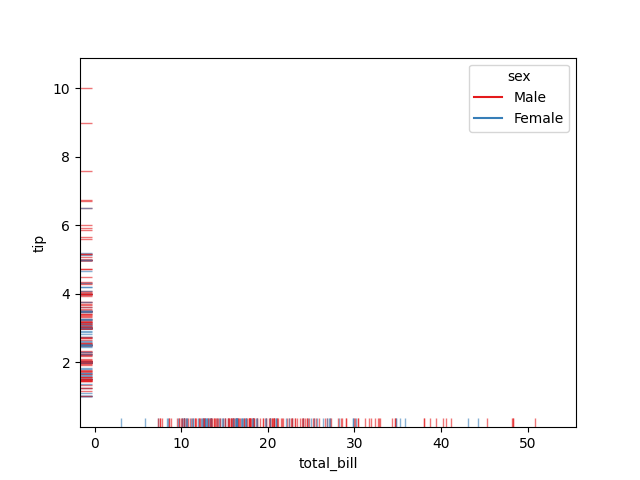
Hue with multiple variables
import seaborn as snsimport matplotlib.pyplot as plttips = sns.load_dataset("tips")sns.rugplot(data=tips, x="total_bill", y="tip", hue="sex", palette="Set1", alpha=0.6)plt.show()Coloured rugs along both axes for each group.